Email Developer Mauritius
- Build → Test → Diagnose → Fix → Deliver
- Email Development for Email Marketing Campaigns
Hi, I'm Linley. I build and test email campaigns, focusing on cross-client compatibility testing and reliable rendering and integrate them into your (ESP) Email Service Provider.
Responsive Email Development· Outlook · Dark Mode · Cross-Client QA · Rigorous Testing in +100 email clients · Accessibility

Recent Email Builds
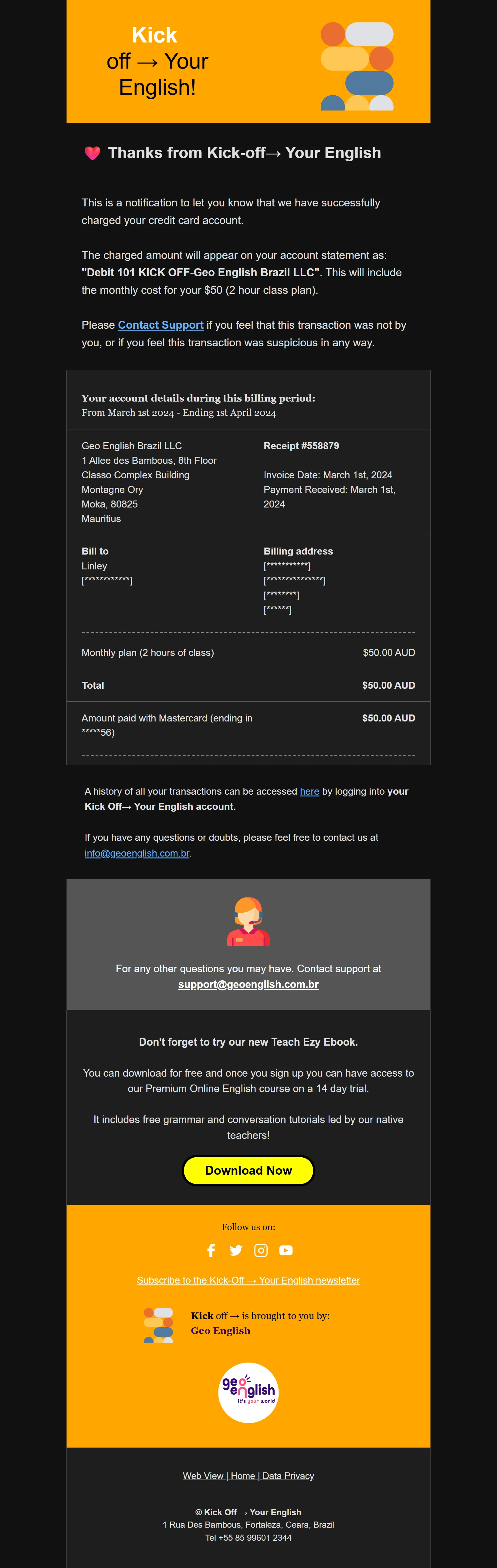
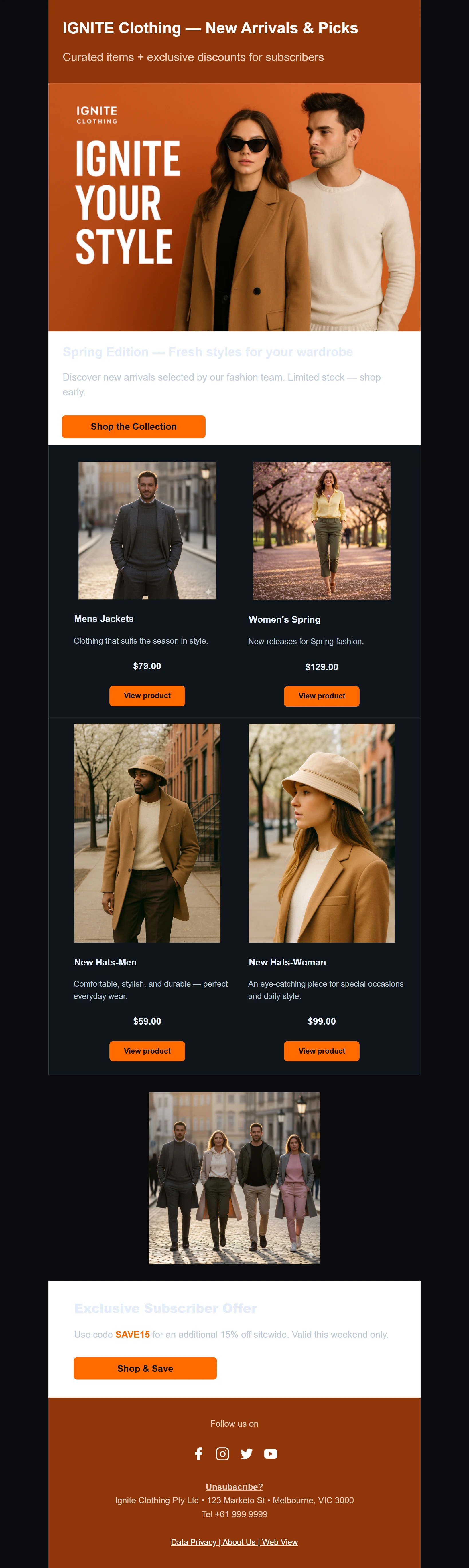
A selection of recent responsive, tested emails coded from designs. Click any image to view the full design in a new tab.





Email Campaigns I Develop
I specialise in coding and rigorously testing responsive email templates in HTML/CSS, MJML and Maizzle, with dynamic templating in Handlebars, Liquid and Django/Jinja-like syntax, for newsletters, promotions, transactional and seasonal emails, plus automated flows (see Email Automation below).
What I Fix
HTML, MJML & Maizzle Coding
Hand-coded, responsive emails in HTML/CSS, MJML or Maizzle with Tailwind CSS, built to survive legacy desktop clients.
Dynamic Content Templating
Dynamic templating in Handlebars, Liquid and Django/Jinja-like syntax, so personalised, data-driven content renders accurately for every recipient.
Email Automation
I set up automated flows in your platform, from the trigger and timing to the emails themselves, and test them before they go live.
ESP Integration & Setup
I prepare your sending account, upload coded templates and run live test sends, so layout and merge tags still work after upload.
Rigorous QA Testing
Every file is verified in professional testing tools (Testi.at/Litmus) across major email clients and devices before delivery.
Email Accessibility
Semantic coding with correct ARIA roles and alt-text to ensure screen-reader compatibility.
Email Deliverability
Clean HTML plus SPF, DKIM and DMARC setup on your domain (Cloudflare, GoDaddy, Namecheap and more), to avoid issues that can affect inbox placement.
UTM Link Tagging
I add your UTM tracking tags to every link, so your analytics shows which email and which button drove each visit.
Design & Design to Code
Send me your design files (Figma, Sketch, XD, PSD) and brand assets and I'll build, test and deliver clean email code. Or I can design your template from scratch to your brand and specs.
See my designed & coded emails →Works With Your Email Platform
Clean, tested emails built for the platform you already use, from simple newsletters to transactional and lifecycle emails. Names with fallbacks, content that changes for different readers, and an email that looks right before it goes out.
| Platform | Tag language | First-name tag | Conditional content |
|---|---|---|---|
| MailerLite | Variable tags | {$name} |
Merge tags only |
| Mailchimp | Mailchimp merge tags | *|FNAME|* |
*|IF:|* / *|ELSE:|* |
| Brevo | Brevo template language | {{ contact.FIRSTNAME }} |
{% if %} / {% elif %} |
| Campaign Monitor | Square-bracket tags | [firstname] |
[if:] / [else] |
| HubSpot | HubL personalisation tokens | {{ contact.firstname }} |
HubL if / else in coded templates |
| Constant Contact | Personalization tags | [[FirstName]] |
If / else conditional statements |
| Kit | Liquid | {{ subscriber.first_name }} |
Liquid if / else |
| ActiveCampaign | Percent-sign tags | %FIRSTNAME% |
%IF% / %ELSE% |
Don't see your platform? I'll work in it. Every email platform has its own rules and tag format, so I build to yours.
What I don't do: connect your website, shop or app to your email platform. I work with the fields already in your platform. If your emails need data from your site, I write the template and your developer connects the data.
Have an email that should change for different readers? Send it over and tell me about it.
Where Emails Break
A design can look perfect on screen and still fall apart in the inbox. These are the gaps I run into most often, and what I do about them.
- Design to Code: Layouts designed for screens don't always survive email clients. I rebuild them with email-safe structure so they match the design as closely as each client allows.
- Drag-and-Drop Builders: Builders output heavy, nested code that's hard to fix or edit. I replace it with clean, hand-coded HTML you can import and maintain.
- Outlook Rendering: Desktop Outlook ignores spacing, background images and buttons that work elsewhere. I add hand-coded fallbacks and test them.
- Spacing & Padding: Padding and margins that disappear or change between clients. I build spacing that holds. See my fix for mj-group padding.
- Images That Don't Shrink: Images that stay full size on phones or get re-scaled in Outlook. I set widths, fluid sizing and fallbacks so they scale properly.
- Blocked Images: Some clients block images by default. I write meaningful alt text and set background colours so the email still reads.
- Dark Mode: Colours, logos, buttons and footer text can invert badly in dark mode. I code and test with custom CSS overrides and dual-engine coding so your brand holds up in Apple Mail, Outlook, Gmail and Windows Mail. See how I fix dark mode inversion and footer text in macOS dark mode.
- Mobile Layout: Columns that don't stack, hard-to-tap buttons and tiny text. I build mobile-first and check across device sizes.
- Gmail Clipping: Large emails get cut off in Gmail, hiding the footer and unsubscribe link. Clean, minified code keeps the file size down.
Seeing one of these in your emails? Send me the details and get a quote.
Email Automation
Emails that send themselves at the right moment. I plan, build and test automated flows in your email platform, from the trigger to the final email.
Triggers
The event that starts a flow, such as a signup, purchase, abandoned cart, link click, tag or date.
Delays
How long the flow waits between emails, such as 1 hour after a cart is left or 3 days after signup.
Conditions
Splits the flow by what a subscriber did or who they are, such as opened or not, new or returning.
Exit Rules
What ends the flow, so people stop getting emails once they buy, reply or unsubscribe.
Automations I Set Up
- Welcome Series: Trigger: a new signup. A short sequence that introduces your brand and guides new subscribers.
- Abandoned Cart: Trigger: items left in a cart. Timed reminders that bring shoppers back to checkout.
- Post-Purchase: Trigger: an order is placed. Confirmation, shipping update, review request and follow-up.
- Re-engagement: Trigger: no opens or clicks for a set period. Win-back emails, then stop sending to inactive contacts.
- Lead Nurturing: Trigger: a form, tag or link click. Drip emails that guide leads towards a decision.
- Birthday & Date-Based: Trigger: a date field such as a birthday or renewal. Personalised emails sent on the day.
Available triggers and conditions differ between platforms, so I build each flow to what yours supports. Tell me what should trigger your flow and what should happen next.
The Way I Work
I focus on clean code, considered design and reliable delivery. I do not do copywriting or marketing strategy. I solve your technical bottlenecks.
My process is simple and task-based, acting as a technical pair of hands for your email marketing projects.
My Streamlined Handoff Process
- 1. Discuss & Handoff: We talk through your project, goals and brand needs. You send your design files and assets and I build to your specifications, or I lay out the template myself from your brand guidelines and requirements.
- 2. Hand-Coded Build: I hand-code the email in HTML/CSS, MJML or Maizzle, adding dynamic templating in Handlebars, Liquid or Django/Jinja-like syntax where it needs personalised content, to match the design as closely as each email client allows.
- 3. Test & Minify: I test the code across major email clients and devices, fix what breaks, then minify the final file to keep the size down and avoid Gmail clipping.
- 4. Review & Delivery: You review the tested email, request any agreed changes and approve it. You then receive a zipped folder with clean HTML and assets, ready to upload and send, or set up in your ESP, including as an automated flow.
Email Developer in Mauritius, Serving Global Clients
I'm an email developer based in Mauritius, building and testing responsive, dark-mode-ready email templates for businesses in Mauritius and around the world. I work remotely with global brands and agencies across time zones.
About Me

Hello, I'm Linley Bignoux. I am an Email Developer. I help businesses and teams solve the technical puzzles that frustrate their Email Marketing campaigns.
Professional Background & Qualifications
I am an Australian from Melbourne originally, but based in Mauritius. I specialise in email development, and I enjoy problem-solving and clear communication. I also bring 18 years of industry experience in logistics, information technology and education. I hold multiple qualifications as an Email Developer, including professional certificates in Email Development, Web Development, IT Technical Support, and Email Marketing.
Inspect My Code

Every email in my portfolio is hand-coded from scratch. Visit my GitHub to inspect the raw HTML, CSS, MJML, Maizzle and Handlebars, Liquid or Django/Jinja-like templating logic, and review my coding practices firsthand.
After the Click: Landing Pages
Your emails send people somewhere. I build the pages they land on, hand-coded in HTML, CSS and JavaScript to match the campaign.
Campaign Landing Pages
One focused page per email campaign, coded to match the email so the click from the inbox feels seamless.
Forms & Thank-You Pages
HTML signup forms with JavaScript validation, connected to your existing email tools, with UTM-tagged links.
Responsive & Accessible
Mobile-first layouts that load quickly and work for every visitor, because most email clicks happen on phones.
Need a full website? I also build hand-coded static sites.
Get In Touch
Have a design that needs coding? Send me the details below and get a quote for your next campaign.